Most of the printer sales calls we take in Los Angeles start with a machine that has been repaired twice this year. Whether it is a five-year-old copier in a Long Beach logistics office or a desktop unit in a Santa Monica agency, the question is the same: fix it again, or buy? This page lays out how we answer that, and what buying outright involves.
local_shippingFree delivery and setup in Los Angeles County
verified_user30-day warranty on purchases
historyServing businesses since 1989
starRated 4.7 on Google
The repair-or-replace math for a Los Angeles office
A copier past its rated life costs more than the repair invoices show. Consumables for discontinued models rise in price, downtime during a service call is paid staff time, and drivers for a machine no longer supported can stop working after an operating system update. When the repair estimate for a single visit exceeds about a quarter of the replacement cost, or when the machine has needed two or more service calls in six months, replacement usually costs less over the next three years.
We will still repair the machine if you ask; our Los Angeles repair and maintenance service works on equipment we did not sell. But we will tell you when a repair no longer makes sense, and we credit the old unit as a trade-in against a new one.
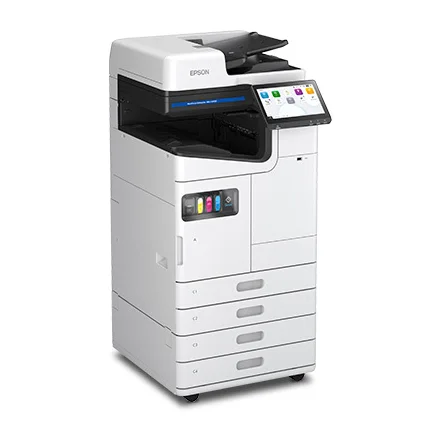
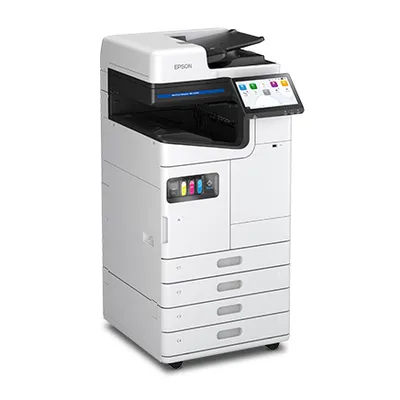
The Epson AM-C4000: no fuser and no drums, so a replacement removes the two parts that fail most often on an aging laser copier.
What buying outright includes
A purchase from us covers the machine, delivery and installation anywhere in Los Angeles County, network and cloud setup, staff training, and a 30-day parts and labor warranty. Returns within 30 days carry a 10 percent restocking fee. After the warranty period you can add a maintenance agreement priced per page, or pay for service as needed.
Offices whose volume spikes a few months a year often buy a base machine and rent for the peak; that combination is covered on the Los Angeles sales and rentals page. Ownership suits offices that will keep a copier for five years or more and want to claim the cost in the year of purchase. Under IRS Section 179 the full price of qualifying equipment placed in service before December 31 can usually be deducted in that tax year; your accountant can confirm what applies to you. If a fixed monthly payment fits better, the Los Angeles copier leasing page explains the alternative, and the lease vs. buy calculator compares both for any model.
Choosing a model by monthly volume
The single most useful number when replacing a machine is how many pages it printed last month; the counter on the old unit tells you. We size the replacement so that number sits in the middle of the new machine's recommended range, which keeps consumable cost per page low and avoids buying capacity you will not use.
Replacement model by monthly volume
Monthly pages
Paper sizes
Typical replacement
Purchase range
Under 5,000
Letter and legal
Desktop color or mono multifunction
$650 to $1,700
5,000 to 25,000
Letter and legal
Fast A4 multifunction
$1,300 to $4,000
10,000 to 50,000
Up to tabloid
A3 color multifunction, 25 to 35 ppm
$5,000 to $8,000
50,000 to 150,000
Up to tabloid
A3 color multifunction, 40 to 60 ppm
$9,000 to $15,000
New or certified pre-owned
We sell both. A certified pre-owned copier from Ricoh, Xerox, Canon or Kyocera has been inspected, cleaned, reset and tested by our technicians, carries the same 30-day warranty as a new unit, and typically costs 20 to 30 percent less. Pre-owned makes sense for a South Bay manufacturer replacing a monochrome workhorse or a school office that needs tabloid color on a tight budget; new makes sense when you want the current security firmware or expect to keep the machine past five years. Every unit, new or pre-owned, is listed in the equipment catalog with its purchase price.
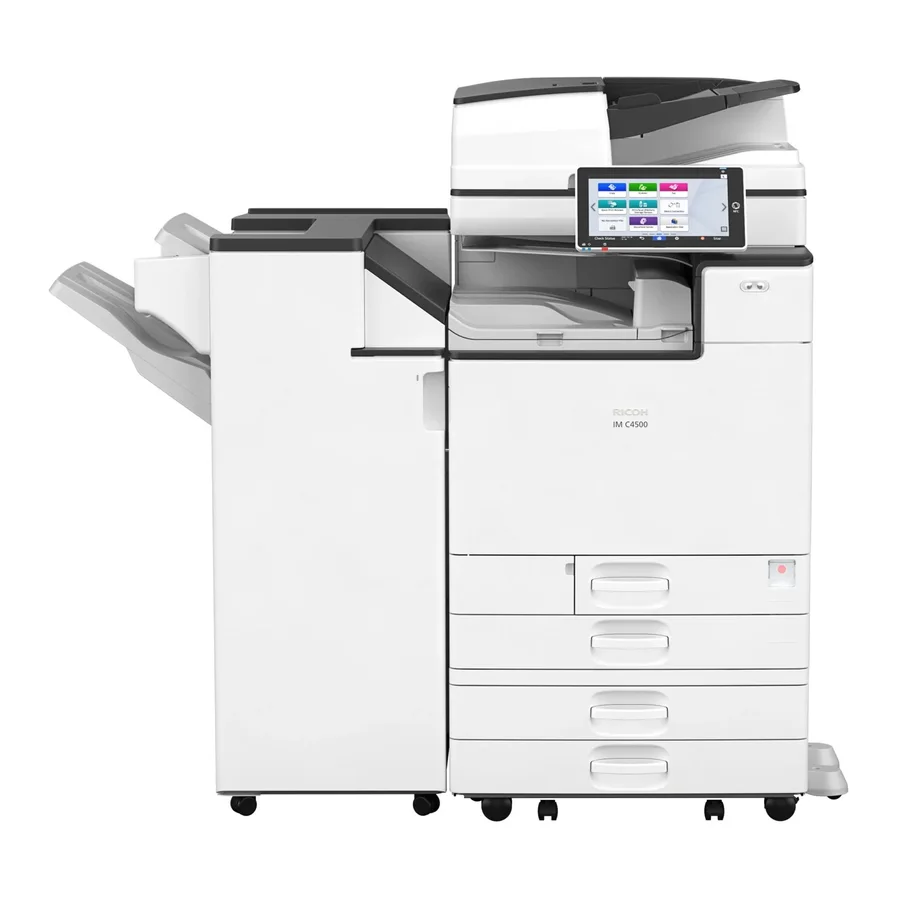
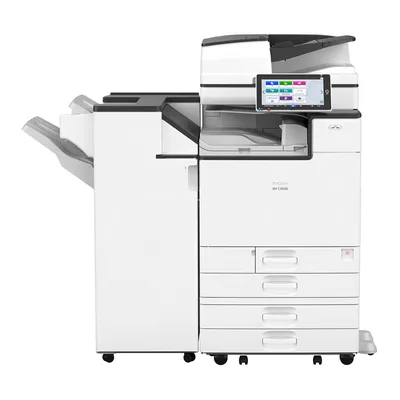
The Ricoh IM C3500 is sold both new and certified pre-owned; the pre-owned unit typically costs 20 to 30 percent less with the same 30-day warranty.
Trade-ins and delivery from Burbank
Bring us the model number and page count of the machine you are replacing and we will quote a trade-in credit against the purchase. On delivery day our crew installs the new unit, moves your address book and scan destinations across, and removes the old machine, with its hard drive erased and documented. In-stock models ship from the Burbank staging warehouse to Downtown, the Westside, the San Gabriel Valley and the South Bay within the week; Long Beach and the harbor area are covered from Irvine.
Printers and copiers Los Angeles offices buy to replace aging equipment
Eight models that most often replace a worn-out machine, ordered from small offices to departmental volume. Each links to specifications and the current purchase price.
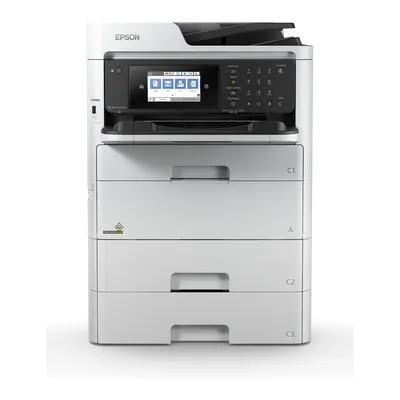
A desktop color multifunction whose ink packs run up to 50,000 pages, so a small office replacing a toner-hungry laser stops buying cartridges every few weeks. Wi-Fi and fax are built in.
check24 ppm color, letter and legal
checkInk packs up to 50,000 pages
checkPrint, copy, scan, fax
Best for: Agencies and small practices in Santa Monica and Culver City
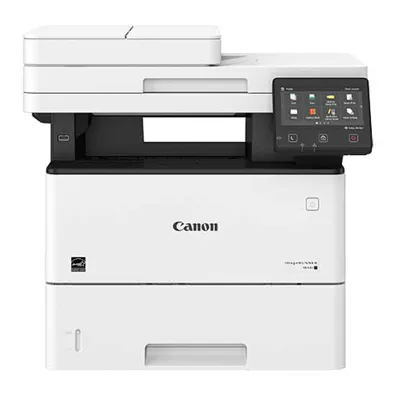
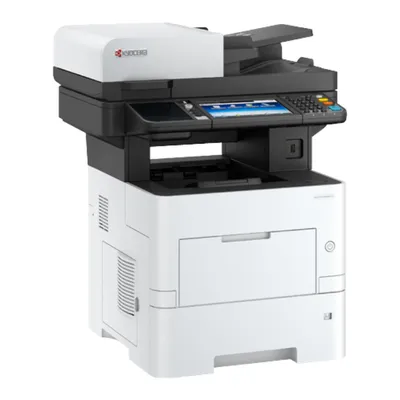
A 57 ppm monochrome multifunction with a 25,000-page toner and a long-life drum; the low cost per page is the reason it replaces older desktop units in billing and property offices.
check57 ppm monochrome
check25,000-page toner
check120 ipm duplex scanning
Best for: Medical billing and property management offices
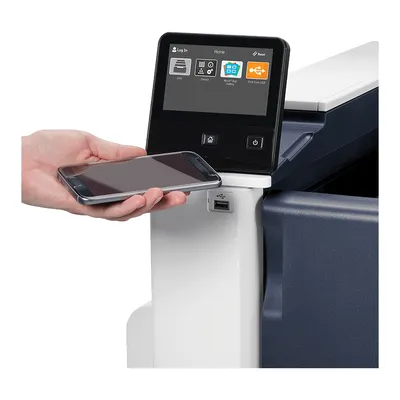
Tabloid color in a compact chassis at 20 to 30 ppm, with ConnectKey cloud scanning. A frequent replacement for aging A3 units in offices that print under 40,000 pages a month.
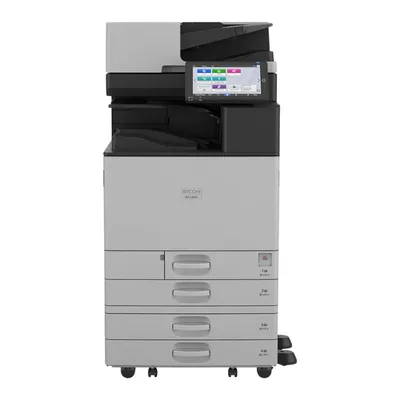
A 30 ppm color A3 multifunction with a 120 ipm feeder and current security stack, replacing IM C3000 and older generation units without changing finishers or toner.
check30 ppm color, 1200 dpi
check120 ipm scanning
checkAlways Current firmware
Best for: Law and dental offices with 15 to 40 staff
Available new and certified pre-owned, the IM C3500 gives an office 35 ppm color and the full Smart Operation Panel at a lower price than the current generation.
check35 ppm color
check4,700 sheets maximum
checkOffered certified pre-owned
Best for: Budget-conscious offices replacing a 25 to 30 ppm unit
A 40 ppm heat-free inkjet A3 multifunction that removes the fuser and drum from the maintenance picture, for offices that want lower power draw and fewer replaceable parts than the laser copier it replaces.
check40 ppm color, heat-free
checkUp to 6,850 sheets
checkNo fuser or drums
Best for: Schools and clinics with sustainability targets
Questions about buying a printer or copier in Los Angeles
How do I know whether to repair my copier or replace it?expand_more
Add up the service calls over the last six months and compare the latest repair estimate with the price of a replacement. If one repair costs more than about a quarter of a new machine, or the unit has needed two or more calls in six months, replacement is usually cheaper over the next three years. Send us the model and page count and we will run that comparison for you.
Do you take my old copier as a trade-in in Los Angeles?expand_more
Yes. Quote us the model number and current page count and we will credit a trade-in against the purchase. On delivery day our crew removes the old machine, erases its hard drive and gives you a dated erasure record.
What warranty comes with a purchased printer?expand_more
Every unit we sell, new or certified pre-owned, carries a 30-day parts and labor warranty from JR Copier. Returns within 30 days in original condition are accepted with a 10 percent restocking fee. A maintenance agreement can extend coverage and add toner, drums and on-site dispatch.
Can a purchase be deducted this tax year?expand_more
Under IRS Section 179, qualifying office equipment placed in service before December 31 can usually be deducted in full in that year, subject to annual limits. We can time delivery from Burbank to land before year end; confirm the deduction with your accountant.
How soon can a purchased copier be delivered in Los Angeles?expand_more
In-stock models ship from the Burbank staging warehouse within the week to Downtown, the Westside, the San Gabriel Valley and the South Bay; the harbor area and Long Beach are served from Irvine. Delivery, installation, network setup and training are included in the price.
Get a purchase quote and a trade-in credit for your current machine
Send the model number and last month's page count of the copier you are replacing, and we will return a written quote for two or three replacements with the trade-in credit applied, delivery date and warranty terms stated.
JR Copier Inc., California administrative office · 1200 Wilshire Blvd, Los Angeles, CA 90017 · (888) 498-2550 · Monday to Friday, 8:00 AM to 5:00 PM PT